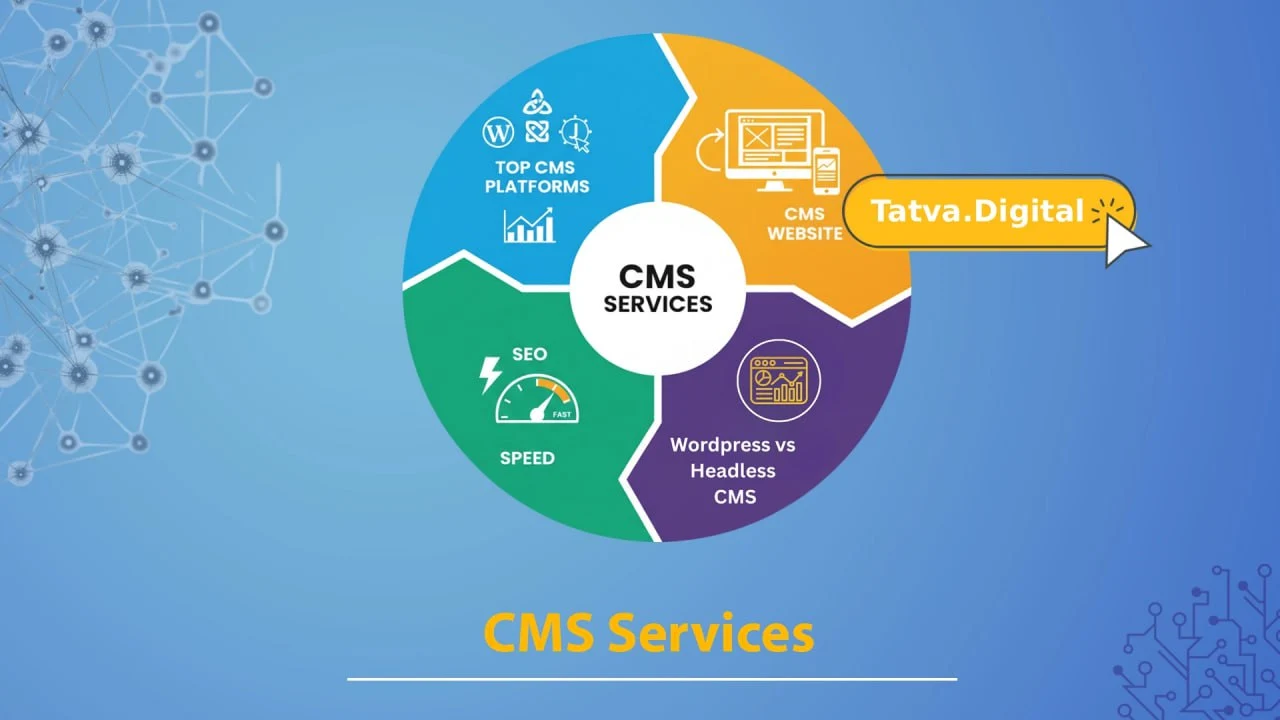
A strong website is not just a nice-to-have in today’s digital environment—it is a necessity. Businesses can effectively create, manage, and publish online content with the help of CMS services (Content Management System). The correct CMS is important whether you are a professional updating a corporate website, an entrepreneur starting a brand, or a business expanding.
With the aid of a content management system (CMS), you can:
- Create pages without knowing a lot of coding
- Continue using the same branding and design.
- Make content search engine friendly (SEO)
- As your company expands, scale your website.
By 2025, there will be a greater need than ever for CMS software that supports SEO best practices, speed, and multi-channel delivery. At this point, selecting the appropriate platform and services (such as those provided by Tatvatech Digital) becomes crucial.
WordPress vs. Headless CMS: Which Is Better for SEO in 2025?
When debating platforms, there are two major models that dominate: the traditional CMS, such as WordPress, and the “headless” CMS model. Let’s break them down from an SEO-first angle.
What is WordPress?
WordPress remains the most widely used CMS on the market today. It offers intuitive dashboards, thousands of themes, and plugins for almost any need. For many businesses, the power of its continued popularity is due to its ease of use and strong SEO plugin ecosystem.
SEO strengths of WordPress:
With dedicated plugins such as Yoast SEO or Rank Math, meta tags, sitemaps, and schema markup become achievable.
- Large community and frequent updates: helps keep site secure and compatible with search engine changes.
- Responsive and mobile-friendly themes and frameworks, since these are key ranking factors.
What is a Headless CMS?
Headless is a mode in which the backend content management is decoupled from the frontend display. You manage content once and deliver it through API to websites, apps, or even IoT devices. Examples include Strapi, Contentful, and Sanity (though we’ll stay high-level here).
SEO and Performance Strengths of Headless CMS:
- Because front-end frameworks—which include React and Next.js—can deliver static pages or serve server-side rendered pages, speed and Core Web Vitals often improve
- Flexibility to deliver content across multiple channels → better omnichannel experience.
- Improved security with no public admin UI on the front end may reduce downtime or penalties from security leaks.
Which is better for SEO in 2025?
To most entrepreneurs and working professionals, if your goal is a website or blog with straightforward content and you want ease of use, WordPress remains strong. But if you’re building a content-heavy brand that spans web, mobile, and perhaps a PWA or app, and you can invest in development, a headless CMS gives you an edge in performance and future-proofing.
If you partner with a service provider like Tatvatech Digital that has robust development, optimization, and performance services, you can get the benefit of a headless or hybrid CMS model without having to build everything from scratch.
Bottom line: Choose WordPress for simplicity and speed to market; choose headless or hybrid if scalability, performance, and omnichannel delivery are priorities.
Top CMS Platforms Compared: WordPress, Drupal, Joomla & More—Which Should You Choose?
There’s no one-size-fits-all when it comes to CMS platforms. Below is a comparison of the major players you might consider, along with service implications.
| Platform | Best For | Key Strengths | Considerations |
| WordPress | SMEs, entrepreneurs, blogs, eCommerce | Massive plugin ecosystem, large talent pool, quick setup | Can become slow if bloated, requires maintenance |
| Drupal | Large enterprises, high-complexity sites | Highly customisable, strong security and permissions | Requires expertise, steeper learning curve |
| Joomla! | Medium complexity sites, community portals | Good multilingual support, flexible | Smaller ecosystem, fewer plugins than WP |
| Headless CMS (e.g., Contentful, Strapi) | Multi-channel content, apps, performance-first sites | Excellent for speed & scalability | Needs more dev resources, higher cost |
| CMS services + managed providers | For businesses wanting outsourcing of maintenance, security, performance | You’re freed to focus on content & business, not infrastructure | You’ll pay for service; choosing provider matters |
Why choosing the right “cms services” partner matters
Choosing the right CMS software is only the first step. You also need services for setup, customization, maintenance, speed optimization, security, and backups, besides SEO implementation. That’s where a digital agency, such as Tatvatech Digital, specializing in web applications and optimization, becomes important.
Key decision factors for entrepreneurs & professionals
- How much content will you publish and update?
- Do you need multi-channel distribution: web, mobile, and app?
- What is your budget for ongoing maintenance and optimization?
How Can You Optimize Your CMS Website for Speed & Performance?
Website performance is no longer optional. Speed impacts user experience, conversions, and SEO. Here are actionable CMS website optimization and CMS speed optimization tips.
Actionable Optimization Checklist
1.Use a quality hosting environment or managed CMS hosting: The foundation of performance
2. Enable caching: server-side + plugin. Reduces server load, improves page load time.
3. Optimize images and media: use the WebP format, lazy-load them, and compress them without quality loss.
4. Minify CSS, JS, and HTML: It reduces the size of the files and enhances the speed of rendering.
5. Use a Content Delivery Network (CDN)—Distribute assets globally to reduce latency.
6. Limit and audit plugins/modules/extensions—remove unused elements and keep things lean.
7. Use a lightweight, well-coded theme or frontend framework – Avoid bloated themes that weigh you down.
8. Implement lazy loading and defer non-critical scripts – Prioritize above-the-fold content.
9. Monitor Core Web Vitals – Metrics to watch include Largest Contentful Paint (LCP), First Input Delay (FID), and Cumulative Layout Shift (CLS).
10. Regularly update CMS, plugins, and server stack—security and speed improvements come via updates.
Why it matters for SEO & user experience
Google focuses on page speed and user experience when ranking, as do other search engines. Slow loading sites equate to a high bounce rate, which indicates low engagement. For busy professionals and entrepreneurs looking for results, a performance-centric approach yields higher conversions and better search visibility.
Role of professional CMS services
Companies like Tatvatech Digital can handle most of these steps on your behalf: performance tuning, caching setup, integration of CDN, continuous monitoring, and technical SEO layering. Ensuring that the CMS software you opt for is not only set up but also optimized is key to future-proofing.
What Should You Look for in Professional CMS Services for Your Business?
In addition to choosing the right platform, selecting the best CMS services partner is paramount. These services wrap around your CMS software and help you maintain, scale, and optimize your website.
Prioritization of Services
- Setup and migration of platforms: Transitioning from legacy systems or building a new.
- Customization and integration: CRM, eCommerce, APIs, and headless setups.
- Performance & optimization services: speed tuning, Core Web Vitals, and security hardening.
- SEO & content strategy support: make sure the CMS is set up for keywords, schema, sitemaps, and structured data.
- Maintenance & updates: Ongoing plugin updates, backups, and security monitoring.
- Scalability & support: Ensuring the site handles growth in traffic, content, and features.
Why partner with Tatvatech Digital?
Tatvatech Digital provides end-to-end digital product development, including websites, web applications, and performance-oriented builds. We design and develop websites and web applications that are not only visually appealing but also built for speed, performance, and optimal user experience.
For professionals and businesses, this means you are not just deploying CMS software; you’re investing in a solution that combines the right platform, service, and optimization.
Decision Checklist
- Does the provider have experience with the CMS platform you intend to use?
- Do they show measurable performance or speed improvements in past projects?
- Does their offer contain SEO and speed optimization by default, rather than being an afterthought?
- Is ongoing support included or part of the service offered? Can they scale with you as your site and business grow?
- Can they scale with you as your site and business grow?
FAQ – Frequently Asked Questions
Q1.What does “cms services” include exactly?
CMS services typically include setting up and configuring your CMS software, theme or template selection/customization, plugin/extensions setup, ongoing maintenance, performance optimization, security hardening, backups, and sometimes content governance training.
Q2. What counts as “best CMS platforms 2025”?
Strong SEO capabilities, high performance, scalability, multi-channel delivery, and a robust ecosystem of developers and integrations are what define these platforms. This category comprises WordPress, Drupal, headless CMS frameworks, and well-managed specialist CMS systems.
Q3. Is “cms software” the same as a CMS platform?
Yes. CMS software refers to the actual application you install or subscribe to (WordPress, Drupal, Joomla, Headless CMS) that enables content management; “CMS platform” is a synonym used in decision-making context.
Q4. For “WordPress vs Drupal vs Joomla”, which should I pick?
It depends on your needs:
- If you want quick deployment, ease of use, and large plugin/theme ecosystem → WordPress.
- If you’re dealing with more complicated workflows, a high volume of content, enterprise-level permissions → Drupal.
- If you need multilingual support, community features, and moderate complexity → Joomla.
- Service partner capability is important too
Q5. What are “CMS website optimization” and “CMS speed optimization tips”?
These are the techniques and practices applied to your CMS setup that ensure your website loads quickly, uses resources efficiently, is mobile-friendly, does not overly burden the server, and provides good SEO performance. The checklist above covers a lot of them
Q6. How much should I invest in CMS services?
Investment depends on scope: simple site build vs. multi-channel headless architecture vs. enterprise CMS + integrations. Consider the cost of downtime, slow performance, lost SEO visibility, and maintenance overhead as you evaluate investment.
Conclusion: What’s the Future of CMS Services and How Do You Move Forward?
The content management landscape continues to evolve. Into 2025 and beyond, CMS software will increasingly support AI-driven content suggestions, voice search optimization, headless multi-channel delivery, and performance-first architecture. Still, even the best software won’t deliver results without the right CMS services wrapped around it.
For the entrepreneur and the working professional, the task is clear: choose the right platform that will meet the business objective, and find a partner that will ensure optimization, security, and scalability. A partner, such as Tatvatech Digital, could take one through from setup to continued growth: helping implement the best CMS platforms 2025, optimize speed and performance, and maintain SEO excellence.
Ready to take action? Don’t wait for your website to become a bottleneck. Choose your CMS, optimize for speed, partner with a strong services provider, and position your digital presence for conversion, growth, and authority.
If you are ready to upgrade your website, scale up your digital presence, and dominate search results, then our expert team at Tatvatech Digital is here for you. Contact us today for a free consultation and explore how we can help you choose the right CMS, optimize it for performance, and boost business growth in 2025 and beyond.
About us:
Business Name – Tatva tech digital private Limited
Tatvatech Digital Private Limited is an emerging eCommerce platform offering a wide range of products, including electronics, home essentials, fashion, beauty, health, and more—all with a focus on quality, convenience, and customer satisfaction
Contact us:
Contact: +91-8130110203
Email: ecommerce@tatva.digital
Trade Name: Tatvatech Digital Private Limited
Address: A 8, Block B, Sector 68, Noida 201306, Uttar Pradesh, India.
Follow us for more updates:
Instagram: https://www.instagram.com/tatvatechdigitalpvtltd/
Facebook: https://www.facebook.com/share/1BY7FF4Kuy
Twitter: https://x.com/tatvatechdigi
Youtube: https://www.youtube.com/@TatvaTechDigital
LinkedIn: https://www.linkedin.com/company/tatvatech-digital-pvt-ltd/