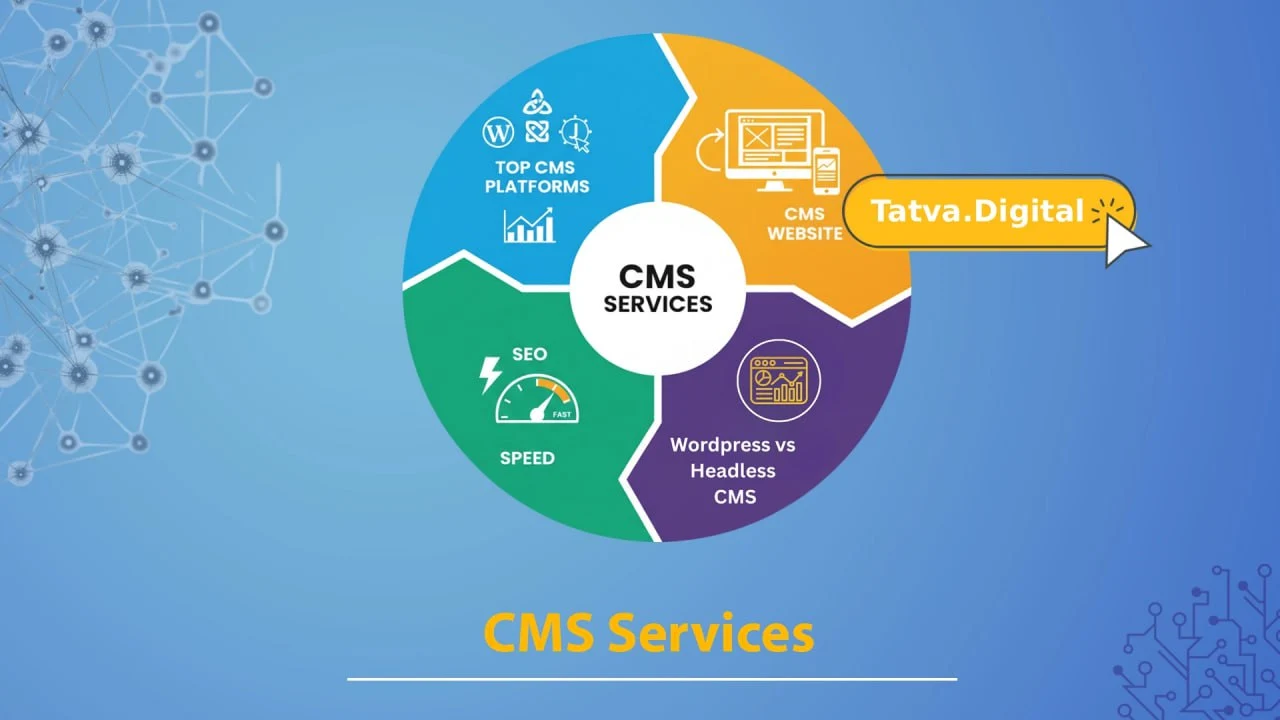
Why Businesses Choose Tatvatech Digital For CMS Services
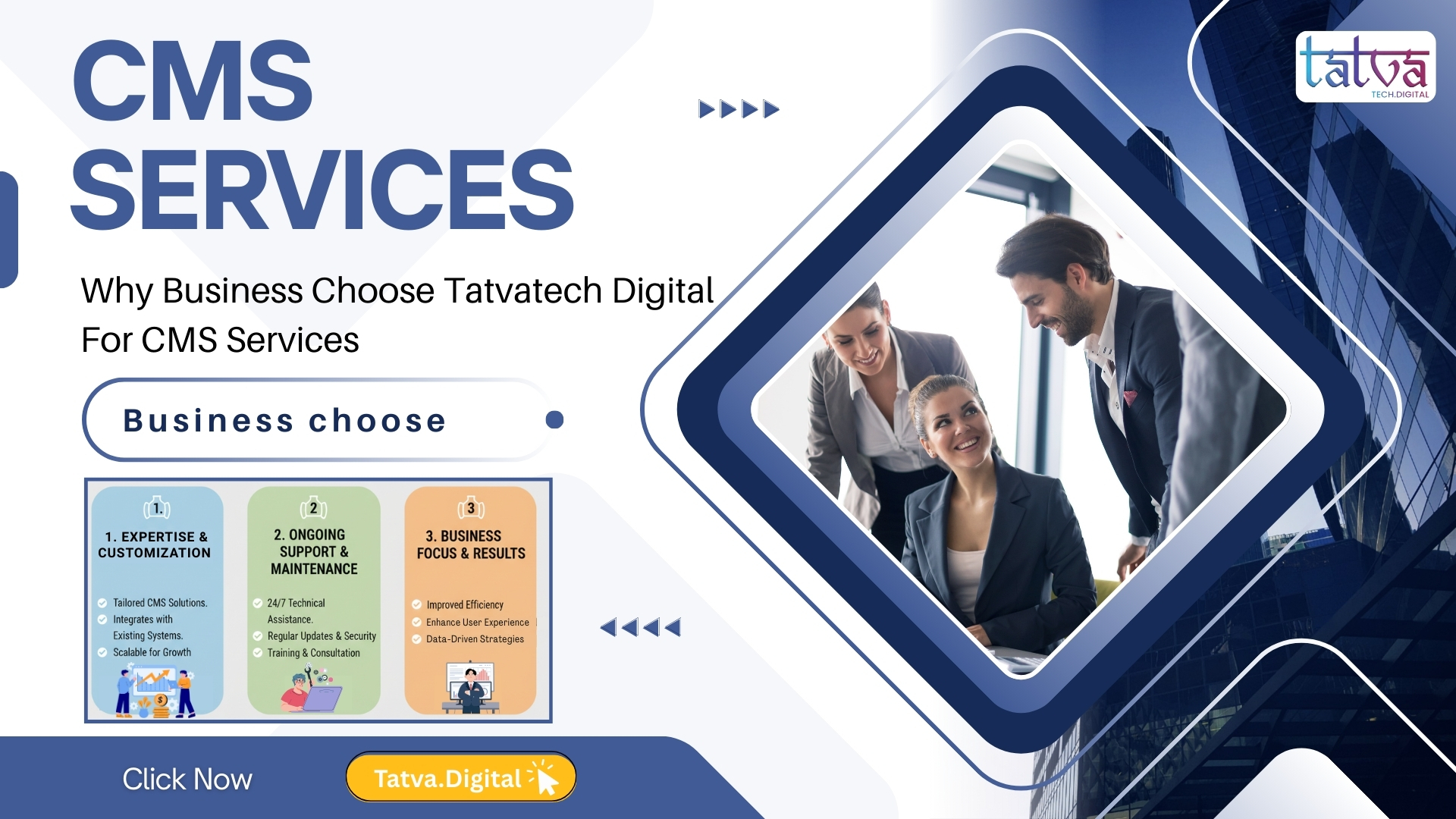
Your Trusted Modern Tech Solutions Provider in Delhi NCR for Scalable, Secure & Smart CMS Development In today’s fast-moving digital world, every business — whether a startup in Noida, an established enterprise in Delhi NCR, or a growing e-commerce brand — needs a solid online presence. And at the heart of a powerful website is a strong Content Management System (CMS). Choosing the right CMS development company can be the difference between a website that grows your business and one that holds it back. That’s exactly where Tatvatech Digital steps in. As a leading IT company in Noida and a trusted modern tech solutions provider in Delhi NCR, Tatvatech Digital has helped 500+ businesses across industries build, manage, and scale their digital platforms with expert CMS services. From WordPress and Drupal to custom-built headless CMS solutions, the team brings deep technical expertise, creative thinking, and a client-first mindset to every project. This blog will walk you through everything you need to know about why businesses of all sizes choose Tatvatech Digital for CMS services — what makes them stand out, what results they deliver, and why they might just be the best CMS development partner for your business too. What Is a CMS — And Why Does Your Business Need One? Before diving into why Tatvatech is the go-to choice, let’s quickly cover the basics. A Content Management System (CMS) is essentially a software platform that lets you create, edit, manage, and publish digital content on your website — without needing to write code every single time. Think of it like this: instead of calling your developer every time you want to update a blog post, add a new product, or change your homepage banner, a CMS gives YOU the power to do it yourself—quickly and easily. According to recent data, over 64% of all websites globally are powered by some kind of CMS, with WordPress alone holding a 43% market share. That’s how important CMS platforms have become in today’s digital landscape. But here’s the thing — just having a CMS isn’t enough. You need the right CMS, built the right way, by the right team. And that’s exactly what Tatvatech Digital specialises in. Who Is Tatvatech Digital? Tatvatech Digital is a full-service IT company based in Noida, offering a wide range of technology and digital services—including CMS development, website design, digital marketing, SEO, mobile app development, and more. With a team of experienced developers, designers, and strategists, Tatvatech has built a strong reputation for delivering high-quality, results-driven digital solutions to businesses across India and beyond. What sets them apart? It’s not just their technical skills — it’s their approach. They take the time to understand your business, your audience, and your goals before writing a single line of code. Every project they take on is treated like their own, and that level of ownership shows in the results they deliver 7 Reasons Why Businesses Choose Tatvatech Digital for CMS Services 1. Deep Expertise in Multiple CMS Platforms Tatvatech’s team is proficient in all the major CMS platforms used by businesses today. Whether you need a blog-heavy website, a large-scale enterprise portal, or a full-featured e-commerce store, they have the right platform knowledge to match your specific needs. WordPress—Ideal for blogs, business websites, and WooCommerce stores Drupal—Powerful for enterprise-level and government portals Joomla—Great for community and membership-based websites Headless CMS (Contentful, Strapi)—Perfect for fast, modern, API-driven websites Custom CMS Development – Built from scratch when no off-the-shelf option fits With 10+ years of combined CMS development experience on the team, they know which platform works best for which type of business—and they’ll guide you toward the smartest, most cost-effective choice. 2.Tailored CMS Solutions—Not Cookie-Cutter Templates One of the biggest complaints businesses have about other CMS providers is that they deliver the same template-based solution to every client. Tatvatech Digital does the exact opposite. Every CMS solution they build is 100% customised to your specific business needs, branding, workflow, and content goals. Whether you’re a fashion brand that needs a stunning visual gallery, a healthcare provider that needs a secure and compliant content system, or an ed-tech platform managing hundreds of courses — Tatvatech builds it your way, not their way. This personalised approach means you never pay for features you don’t need, and you always get the tools that actually matter to your business. 3.SEO-Friendly CMS Development From the Ground Up A beautiful website means nothing if no one can find it. That’s why Tatvatech builds every CMS with SEO in mind from day one. Their developers don’t just build websites — they build websites that rank. Clean, fast-loading code with optimised page speed scores Mobile-first responsive design (critical for Google rankings) Proper URL structures, breadcrumbs, and schema markup SEO plugin integration (Yoast, RankMath) for WordPress builds Built-in sitemap and robots.txt configuration Websites built by Tatvatech have seen up to 40% improvement in organic traffic within the first 6 months after going live—a direct result of their SEO-first development approach. 4.Transparent Pricing With No Hidden Surprises As a business owner, the last thing you want is to get a shockingly high invoice mid-project. Tatvatech Digital believes in clear, upfront pricing. Before any project begins, you receive a detailed proposal outlining exactly what’s included, the timeline, and the total cost. Their CMS packages are designed to be affordable for small businesses, yet scalable for large enterprises — meaning there’s always a plan that fits your budget without cutting corners on quality. No surprise charges. No vague scope. Just honest, straightforward pricing. 5.Ongoing Support, Maintenance & Training Building a CMS is one thing. But what happens after launch? This is where many agencies simply disappear — and where Tatvatech truly shines. Post-launch bug fixes and performance monitoring Regular CMS updates and security patches Hands-on training for your team so you can manage content independently Dedicated account manager for ongoing communication Flexible monthly maintenance packages at competitive rates Their clients report a 95% satisfaction rate with post-launch support — a number … Read more