
ERP software development Archives - Tatvatech Digital Private Limited ERP software development Archives - Tatvatech Digital Private Limited

ERP Software Development Services: Steps, Cost, and How It Benefits Your Business
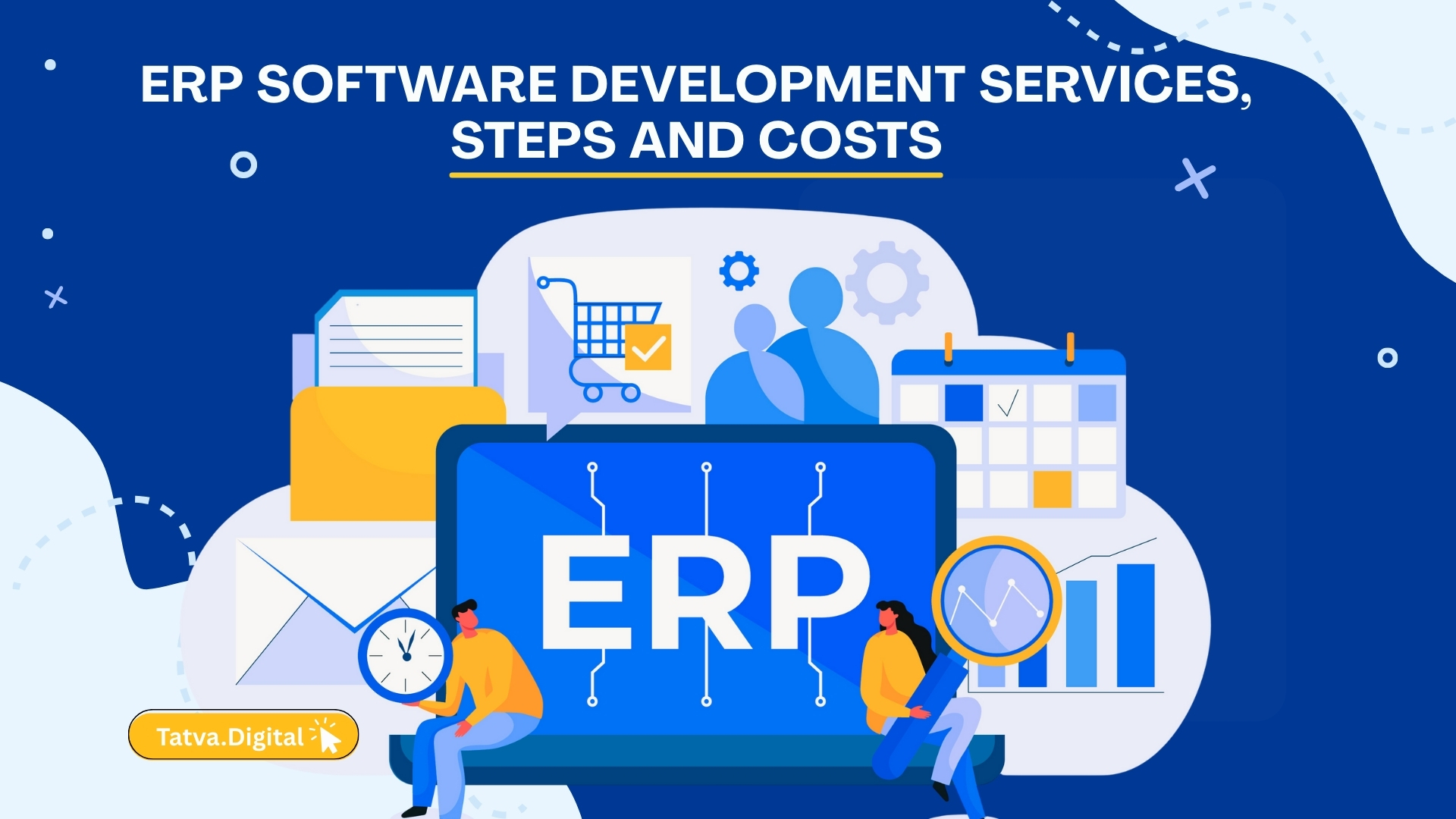
ERP system dashboard showing finance, HR, and inventory modules

Introduction: What Is ERP, and Why Businesses Need It Discover ERP software development services, implementation steps, cost factors, and how Tatvatech Digital builds custom ERP solutions for businesses of all sizes. Growing companies eventually reach a point where spreadsheets no longer cut it. That’s where enterprise resource planning (ERP) software comes in. ERP systems collect and organize key business information and help organizations run lean, efficient operations, even as they expand. Most business professionals know the term “ERP,” but they may not know exactly what enterprise resource planning systems can do for their teams. Introduction: What Is ERP, and Why Businesses Need It Enterprise Resource Planning (ERP) software integrates core business processes into a single, centralized system. It streamlines functions like finance, HR, inventory, procurement, and sales, allowing companies to operate more efficiently and make data-driven decisions. With growing operational complexity, businesses often ask: What are ERP software development services? How is ERP implemented? How much does ERP cost? This blog answers these questions and explains how Tatvatech Digital delivers training ERP solutions that help businesses scale and optimize operations. What Are ERP Software Development Services? ERP is a category of business software that automates business processes and provides insights and internal controls, drawing on a central database that collects inputs from departments including accounting, manufacturing, supply chain management, sales, marketing, and human resources (HR). Every business has multiple stakeholders collaborating to make things work. However, it becomes challenging when critical information is scattered across disconnected systems. For example, the accounting and FP&A teams could each have different spreadsheets with different figures for expense tracking. ERP systems centralize data, provide cross-departmental visibility, fuel efficient analysis, resolve data conflicts, and drive process improvements. That translates to cost savings and better productivity as people spend less time digging for needed data. Key Takeaways Centralized Data: ERP collects information from all departments into a single database for accurate, real-time insights. Unified Business Functions: It integrates finance, manufacturing, inventory, sales, marketing, HR, and project management. Efficiency and Savings: ERP boosts productivity, reduces errors, and uncovers growth opportunities. Flexible Deployment: Available as on-premises, cloud, or hybrid solutions to suit different business needs. Informed Decisions: Understanding features, integration, and total cost is crucial when selecting an ERP system. How Does ERP Software Work? An ERP system combines a central database, integrated modules, and a unified interface to connect departments and automate processes. Core Components of ERP Central Database: Eliminates duplicate data and ensures all departments work from the same information. Modular Architecture: Modules are dedicated to specific business functions, like accounting, HR, manufacturing, and CRM. Workflows & Logic: Automates processes like order-to-cash, procure-to-pay, and payroll approvals. Real-Time Sync: Transactions update all relevant modules instantly. Role-Based Access: Employees see dashboards and reports relevant to their roles, maintaining data security. What Are the Steps in ERP Software Development? An ERP system works by combining a shared database, modular applications, and a common user interface to support real-time information flow across the business. This architecture lets organizations automate processes, improve data accuracy, and make smarter decisions. Here’s how it comes together: Central database: All modules draw from a single unified data source. This eliminates data duplication and enables every department to work from the same real-time information. Modular architecture: ERP systems are built from distinct, interconnected applications (modules) tailored to specific business functions. These modules are tightly integrated and share information automatically. Built-in workflows and logic: ERP systems use predefined rules to automate business processes, such as order-to-cash, procure-to-pay, and payroll. For example, it can trigger purchase orders when inventory drops below a threshold or route an invoice for approval. Real-time data syncing: Transactions in one area update relevant data across the system instantly, promoting faster decision-making and tighter coordination. Shared interfaces and role-based access: Employees access the ERP system through dashboards and reports tailored to their roles. Permissions restrict access to sensitive data while giving teams the information they need to act quickly.  What Factors Affect ERP Development Costs? ERP development costs depend on multiple variables: Number of modules and features Level of customization Deployment type: cloud, on-premises, hybrid Integration with existing systems Maintenance and support needs Estimated ERP Costs Small businesses: $10,000–$500,000 Medium businesses: $50–$150,000.00 Large enterprises: $150,000+ Partnering with Tatvatech Digital ensures cost-efficient ERP solutions designed to deliver maximum ROI. ERP Integration and Data Sharing Virtually every organization considering an SAP ERP implementation will have systems in place that could be replaced by modules of the ERP under consideration. As such, part of adopting an ERP system involves determining which existing systems will be replaced, which must be integrated, and which will be left to stand independently. Is the existing system doing the job you need it to do?  If not, then there’s a good case to be made for using the relevant module offered by your ERP vendor. If the existing system is a keeper, is there a connector available from the ERP vendor, the existing system vendor, or a third party to get data flowing between the ERP and your existing system? And if so, how good is it? Data migration is complex. These connectors can do a decent job of integrating systems from different vendors, but quality and commitment to updates can vary. Remember: Upgrades to the ERP or the standalone system can break connectors or require rework. In the worst case, the lack of a new connector could derail upgrade plans completely. If a connector exists, does it operate in real time and keep all necessary data flowing to and from each system?  Some connectors operate in real time, and others sync up systems daily or weekly. Some move a limited data set between systems, and some work in only one direction—from an inventory management system into the ERP. If your team has done extensive custom configurations, the connector might not know some data types. Which ERP Deployment Option Should You Choose? ERP can be deployed in multiple ways based on business needs: On-Premises ERP Installed locally on company servers Requires IT staff for maintenance Offers control … Read more

Why ERP Development Services Essential for Modern Industries?

Enterprise resource planning Services

Enterprise Resource Planning (ERP) software has become a must-have for enterprises in all sectors. From manufacturing and construction to real estate, garments, cooperatives, and corporate training, ERP software automates procedures, enhances efficiency, and facilitates data-driven decision-making. This article discusses the functionality of ERP software and the sectoral advantages it offers, organized under main headings for understanding. How ERP Systems Are Transforming the Construction Industry in 2025 The construction industry is highly complex, involving multiple stakeholders, strict deadlines, and extensive documentation. Modern construction ERP software integrates project management, resource allocation, budgeting, and compliance tracking into a single platform. Key Features for Construction ERP Real-time Project Monitoring: Dashboards provide visibility over project milestones, budgets, and timelines. Resource Optimization: Track labor, equipment, and materials to reduce wastage and avoid delays. Compliance Management: Centralized documentation ensures adherence to safety and regulatory standards. Industry Benefits On-time Project Delivery – Real-time tracking eliminates delays and bottlenecks. Cost Reduction – Improved resource management reduces operation expenses. Improved Decision Making – Immediate data access enables informed decisions. Top Features to Look for in a Manufacturing ERP System Manufacturing companies are confronted with difficulties in synchronizing production, inventory, supply chain, and sales. A sound manufacturing ERP software consolidates all these functions for streamlined operations. Key Features Production Planning and Scheduling: Forecast demand, maximize machine utilization, and reduce downtime. Quality Control: Track product quality at each step to ensure standards. Supply Chain Management: Enhance transparency, coordination between suppliers, and inventory handling. Analytics and Reporting: Create real-time reports for cost reduction and strategic planning. Industry Benefits Increased Production Efficiency – Efficient processes minimize slowdowns. Better Product Quality – Ongoing quality inspections keep defects to a minimum. Better Supply Chain – Easier supplier coordination and fewer inventory problems. Why Real Estate Companies Require Custom ERP Solutions Now Real estate businesses operate various activities, such as property listings, client interactions, and financial transactions. Industry-specific Custom ERP solutions bring these processes into one place, enhancing operational efficiency and transparency. Key Features Centralized Property and Client Database: Get all property, sales, and client information in real time. Financial and Contract Management: Automate billing, lease agreements, and payments. CRM Integration: Streamline client communication and relationship management. Industry Benefits Faster Decision-Making – Centralized data allows for quicker, informed decisions. Precise Financial Management – Automated operations minimize mistakes. Enhanced Client Interaction – Enhanced communication and follow-ups enhance client satisfaction. Why ERP Solutions Make Garment Businesses Grow Faster Apparel and garment businesses face seasonal demand changes and intricate production processes. Garment ERP software facilitates the tracking of production, inventory management, and streamlined operations. Top Features End-to-End Production Tracking: Track each process from material procurement to delivery. Inventory Management: Optimize stock levels to prevent shortage or overstocking. Cost and Profit Analysis: Real-time tracking aids in setting pricing to compete in the market. Industry Benefits Effective Production Management – Minimized delays and wastage. Inventory Optimization – Avoids overstocking or shortages. Improved Profit Control – Insights to keep profitability intact. Credit Cooperative ERP: Essential Features for Financial Management Transparency, precision, and regulation adherence are needed for credit cooperatives. Automate fundamental processes and provide actionable insights through Cooperative ERP systems. Key Features Member and Account Management: Store deposits, loans, and transaction records. Automated Loan Processing: Speed up approval and cut down on errors. Real-Time Financial Reporting: Use precise insights for strategic purposes. Industry Benefits Transparent Operations – Precise tracking fosters trust among members. Improved Loan Processing Speed – Automation enhances service efficiency. Informed Money Decisions – Real-time reporting supports improved planning. Advantages of Scaffolding ERP for Equipment and Project Tracking The scaffolding and equipment hire business calls for efficient tracking of assets and project timelines. Scaffolding ERP solutions simplify operations and optimize equipment utilization. Key Features Equipment Tracking: Track usage, maintenance, and availability. Project Coordination: Coordinate schedules, inventory, and labor. Billing Automation: Automate invoicing and maintenance tracking. Industry Benefits Optimized Equipment Utilization – Minimize idle equipment and losses. Enhanced Project Coordination – Timely availability guarantees smooth operations. Operational Efficiency – Automation expedites time and minimizes errors. Training ERP Systems: Transforming Corporate Learning & Development Corporate learning initiatives gain from training ERP systems, which consolidate employee training, monitor performance, and enforce compliance. Key Features Centralized Learning Management: Host courses online, monitor progress, and handle certifications. Performance Evaluation: Detect skill gaps and develop training programs. Compliance Tracking: Streamline regulatory training obligations. Industry Benefits Effective Learning Management – Easy access to training and tracking. Enhanced Employee Performance – Targeted programs improve skills. Regulatory Compliance – Automated tracking lessens risk. The Future of ERP: Blending AI and Machine Learning in 2025 AI and machine learning are revolutionizing ERP systems, making them predictive, intelligent, and user-friendly. Key Features Predictive Analytics: Predict equipment failures, demand shifts, and operational risks. Intelligent Insights: Analyze big data for strategic decisions. Automation and Smart Assistance: AI chatbots ease tasks and reporting. Industry Benefits Improved Forecasting – Identify issues before they arise. Data-Driven Decisions – Quicker and more accurate strategies. Operational Efficiency – Less manual intervention across industries. How to Select the Best ERP Platform for Your Business (Dycon ERP Example) The right ERP platform selection is based on business requirements, size, and industry. Selection Criteria Define Core Requirements: Identify processes to be automated. Evaluate Scalability and Integration: Seamless integration with existing systems. User Experience and Support: Vendor support and ease-of-use drive adoption. Platforms such as Dycon ERP provide industry-specific, modular customization to suit specific needs. Industry Benefits Improved Platform Alignment – ERP aligns business workflows. Scalability – System scales with organizational needs. Seamless Integration – Reduces disruption and optimizes ROI. Conclusion ERP systems are holistic platforms that align operations, analytics, and decision-making across industries. From manufacturing and construction to real estate, apparel, cooperatives, and corporate development, ERP solutions enhance productivity, lower errors, and facilitate decision making. Evolutions in AI and machine learning render ERP systems smart, predictive, and extremely user-friendly. Companies considering ERP solutions have to weigh factors, uses, cost against value, and scalability to select the optimum platform. For businesses looking for professional ERP development solutions, Tatvatech Digital  provides scalable, custom, and … Read more